NDPA s.40(2)
Breach register
Log an incident and the 72-hour clock starts. Izini walks you through whether you must notify the NDPC and records every decision with the time it was made.
 Izini
Izini
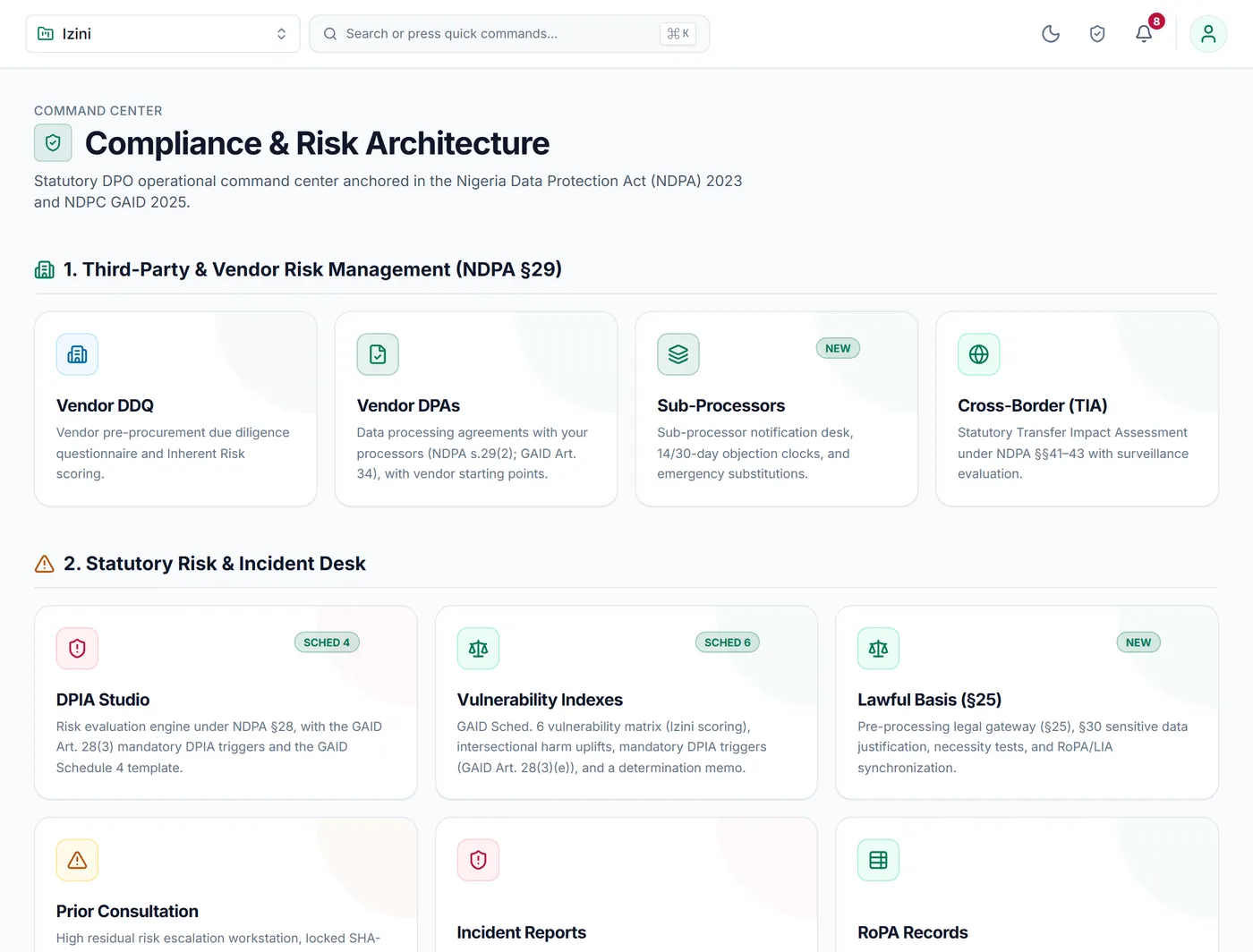 Everything Izini does →Every module, grouped by area, with the part of the law it covers.
Where a breach is likely to put people's rights at risk, the NDPA gives you 72 hours to tell the NDPC. The hard part is deciding quickly and showing later that you decided properly. Izini starts the clock and guides your team through each step.
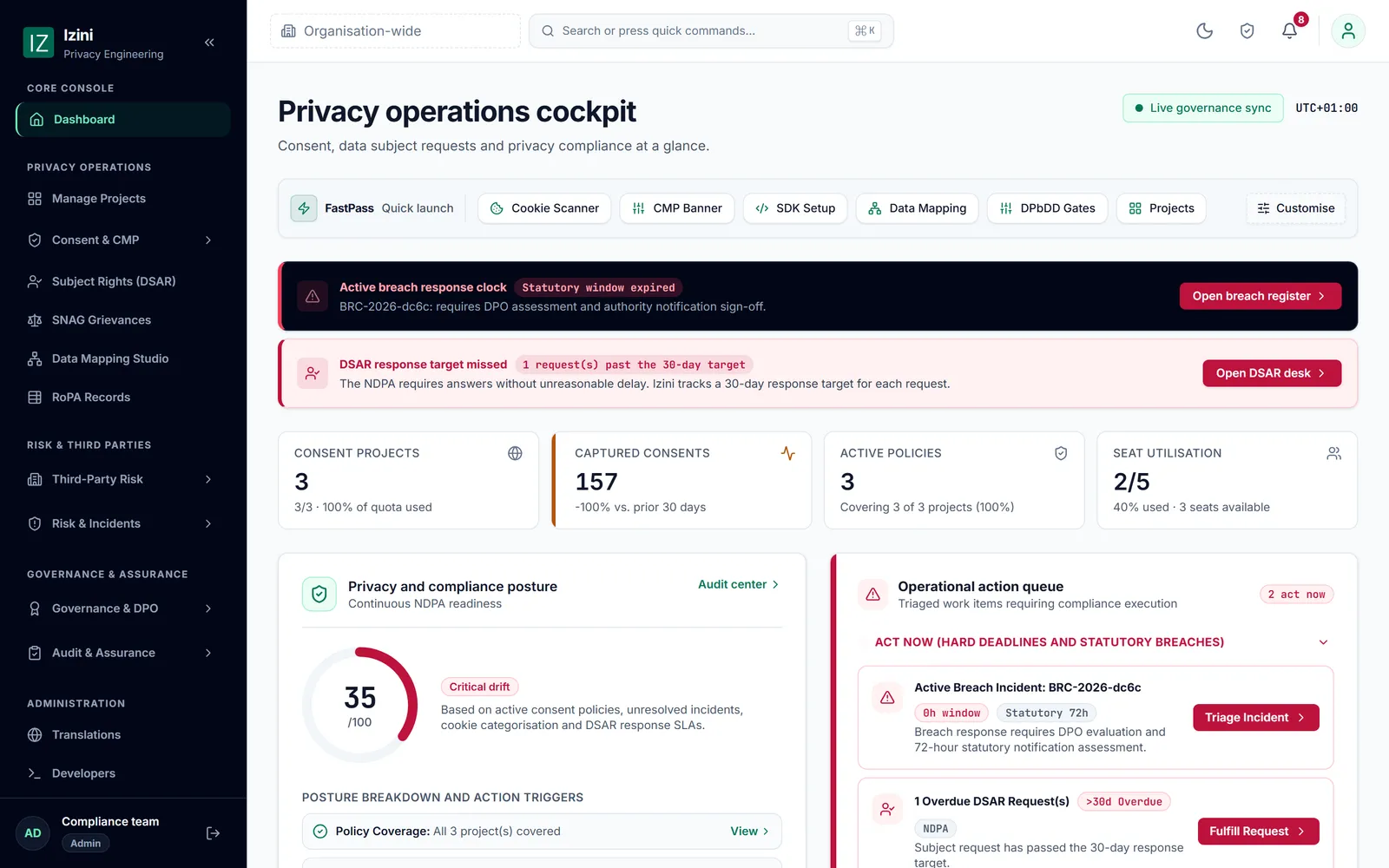
Log the incident, or let your IT tools log it, and the 72 hours begin.
Step-by-step questions help you decide whether you must notify.
Every decision and action is saved with the time, through to the root cause.
Log an incident and the 72-hour clock starts. Izini walks you through whether you must notify the NDPC and records every decision with the time it was made.
Security, monitoring and helpdesk tools can log an incident in Izini directly, so the clock starts without anyone retyping it.
Track the fixes, the root cause and the follow-up checks through to closure, ready for the regulator or your board.
What the NDPA asks of you in this area, and the evidence Izini keeps for each requirement.
| What the law asks | Where it comes from | What Izini keeps for you |
|---|---|---|
| Notify the NDPC within 72 hours where the breach risks people's rights | NDPA s.40(2) | The timeline, the decision and the notification |
| Keep data secure and fix what failed | NDPA s.39 | Remediation steps, root cause and follow-up checks |
In a 30-minute demo we look at your own website, show you what the NDPA expects of an organisation like yours, and answer your questions about setup and price.